
Reviewing a Shipment Temperature Chart: Data, Handoffs and Missing Evidence
Check one shipment temperature chart for identity, clock, sampling, handovers and gaps. Leave unknown cells blank and pass the original file to quality.
A shipment temperature chart with the wrong clock can get the consignment rejected before quality has a temperature to read. Leave every unknown cell blank and keep the original file with the sheet you hand to quality. This page reviews one exported shipment record in the temperature monitoring section.
A cold chain temperature monitoring chart, on this page, means the export for one shipment. Copy the shipment identity, the device and where it sat, the unit and time zone printed on the file, the sampling interval, whether the readings were stored or sent during the trip, the start and stop, each handover the papers show, any gap, and the reviewer. Leave every cell the file does not fill blank, including the temperature range. The World Health Organization’s May 2015 supplement on temperature and humidity monitoring for transport says downloaded time and temperature data should, in most instances, be kept for at least three years in a form that can be retrieved. That three-year figure is a retention period for those pharmaceutical files.
The curve in the cover photograph is one unmarked line on paper. No shipment produced it.
Copy the identity, the device and the position
Table: scroll horizontally if needed to see every column.
| Field | Copy this from the file in front of you | When the file is silent |
|---|---|---|
| Shipment identity | Consignment, shipper or waybill ID printed on the export | Leave blank |
| Device | Identity printed on the device or the file | Leave blank |
| Position | Air, product, or the pack location the file names | Leave blank |
| Unit | °C or °F, as printed | Leave blank |
| Time zone | Zone or offset printed on the file | Leave blank |
| Sampling interval | Stored interval, with its unit | Leave blank |
| Transmission | Stored for later download, or sent during the trip, as the file says | Leave blank |
| Start and stop | Activation time and stop or download time, as printed | Leave blank |
| Handover events | Only events the file or the shipping papers name | Leave blank |
| Gaps | Each stretch with no stored reading, using the times the file prints | Leave blank |
| Original file | File name and where the retrievable copy is kept | Leave blank |
| Reviewer | Person who receives this sheet | Leave blank |
| Temperature range | Range copied from the product stability file or the label | Leave blank |
The table is the sheet. There is no separate file to download.
The May 2015 WHO glossary defines an electronic data logging monitor as a portable device that measures and stores temperature at predetermined time intervals and can create reports and graphs. Table 1 lists chemical indicators and electronic temperature indicators with no time-specific traceability. A color change or a go/no-go mark is written on the product arrival report, which section 2.2.2 assigns to those indicator results. The chart under review is the stored series, when that is what the file contains.
The same glossary defines a temperature excursion as exposure outside the range prescribed for storage or transport. The product manufacturer sets those ranges from stability data. Copy the range from that product file into the last row, or leave the row blank.
Temperature mapping versus shipment monitoring separates a study of a room from a record of one consignment. A mapping report does not fill the position cell.
The photograph shows a device sitting in a pack. It shows no temperature.
Separate the sampling interval from the way the file arrived
The sampling interval is the predetermined time between stored readings. That is the glossary definition of what an electronic data logging monitor stores. Write the interval the file prints, and write the unit it prints. If the file prints no interval, leave the cell blank.
Transmission is the next line down. Section 2.2.2 covers collection, storage and retrieval of downloaded time and temperature data. Table 1 lists additional proprietary hardware, software or licensing as something the download of an electronic data logging monitor can require. The glossary says those vehicle event-logger systems can also be monitored remotely by a satellite link. If the file shows a stored series that was downloaded at the end, write that. If the file shows readings that arrived during the trip, write that. If it shows neither, leave the line blank. Real-time tracking versus downloadable loggers is where the workflow choice is set out. This sheet does not pick a workflow, and it does not supply an interval.
Copy the time zone the file prints. In the sections read for this page, the May 2015 supplement does not name a zone. Leave the cell blank when the file prints none, and do not convert the times.
Range, memory and the other purchasing fields belong on the data logger specification guide. Here the device identity only ties the file to the shipment.
Write a handover only when the papers name it
Section 1.1 says the service level agreement, or the in-house procedures, must state which monitoring devices are used, when and where they are installed, and how the data is collected, reported and stored. Copy those points from the agreement you already hold. Leave a handover row blank when neither the chart nor the shipping papers name the event.
The glossary entry for those vehicle event loggers includes optional records of door opening and defrost cycles. Copy a door time or a defrost time only when the file prints it.
Table: scroll horizontally if needed to see every column.
| Event named on the file or the papers | Time printed on the chart | Time printed on the shipping paper | Clock the file states | Document attached |
|---|---|---|---|---|
Add a row only for an event you can point to. The dock steps your site already uses are on the warehouse dispatch checklist.
The photograph shows two boxes at a dock threshold. It has no clock and no temperature.
Mark each gap and keep the file that can be opened again
Copy the start and the end the file prints for each stretch with no stored reading. Leave the cause blank unless the file itself states one. Table 1 lists a limitation of electronic data logging monitors: recording frequency and recording time are tied to the size of the device memory. That limitation is a question for the device file. It does not fill the cause cell. When that cause cell stays blank, use the data gap investigation checklist to separate a missed sample, a reading still on the device, a transmission that did not arrive, an export that dropped the points, and an alarm that did not reach anyone.
Table: scroll horizontally if needed to see every column.
| Gap start printed on the file | Gap end printed on the file | Cause stated on the file | Original file attached |
|---|---|---|---|
Section 2.2.2 says downloaded time and temperature data should, in most instances, be retained for at least three years. The copy has to be non-volatile and retrievable: a printed hard copy, or a computer hard drive, tape drive, flash drive or DVD. The supplement says storage in a secure web-based repository may also be acceptable. Keep the file the device produced. The three-year period is that retention rule for time- and temperature-sensitive pharmaceutical products in the supplement. Other products follow the retention rule your quality unit names.
The same section says go/no-go data from chemical indicators, chemical time-temperature integrators and electronic temperature indicators should be written on the product arrival report. The receiving store uses that entry to accept the consignment into active storage or to quarantine it until an investigation and a final disposition. The instruction covers the indicator result. The temperature that would trigger it stays on the product file, or stays blank on this sheet.
Section 2.2 says a single-use device should be supplied with the manufacturer’s calibration certificate for the whole range the device is designed to cover, and that these devices cannot be recalibrated. A multiple-use device should be calibrated against a certified, traceable reference standard once a year, unless otherwise justified. Attach the certificate when you have it. A missing certificate stays a blank. What the certificate should contain is covered in reading a calibration certificate.
The photograph shows a logger, a cable that is not connected, and a closed folder. It is not a downloaded file.
Hand the sheet to the named reviewer
Copy the tables into the record your quality unit already uses. Attach the original file, the arrival report when there is an indicator, and the calibration certificate when you have it. Write the reviewer’s name on the sheet. Quality holds the comparison and any disposition. This page has no release step.
Section 2.2 places the next use of the device in the user requirement specification. The device can be the check used to accept or reject a shipment, or a later tool for finding weakness in the transport system. Which of those your procedure uses is written in that specification. The supplement’s stated reason for the device is to judge whether product quality has potentially been compromised by exposure to harmful or unwanted conditions. The file can speak to exposure. The cause of a gap stays blank until the original documents support one.
Refrigerator logs stay on their own forms
The Immunize.org Temperature Log for Refrigerator, Fahrenheit, opened as PDF text on 11 October 2026, is a storage-unit log. The form says CDC recommends a digital data logger for vaccine temperature monitoring, and it tells staff to record the storage-unit temperature each workday: minimum and maximum at the start of the workday, or the current temperature at the start and end of the workday when the device shows no minimum and maximum. It says to save each month’s log for 3 years unless a state or local jurisdiction requires a longer period. That three-year line belongs to the monthly refrigerator log. The WHO three-year line belongs to downloaded shipment data. Use the Immunize form for the refrigerator program it names.
The Epidemiology Unit cold chain record, opened the same day, is a fridge sheet for a month. It prints a morning temperature at 8.00am and an evening temperature at 3.00pm, plus vaccine-vial and freeze-indicator marks. Those clock times are on that fridge form. They are not a sampling interval for a shipment export.
A CDC file titled Transport Temperature Log was listed in the 11 October 2026 search snapshot. The archived fetch of that PDF returned HTTP 403, so no field and no temperature from it is used here.
How this sheet was compiled
The blank tables are a review sheet for documents you already hold. They are not a shipment reviewed by this publication, and the photographs are not records of a consignment. Device classes, the arrival report, the three-year retention of downloaded data, the calibration certificate rules, and the definition of a temperature excursion come from the WHO supplement dated May 2015. The sections used are 1.1, 2.2, 2.2.1, 2.2.2 and the glossary. That supplement is guidance for time- and temperature-sensitive pharmaceutical products. The refrigerator forms are cited so their columns stay on those forms. No logger model, no excursion length, and no acceptance temperature is written into the blank cells.
Related guides

Temperature Mapping vs Shipment Monitoring: Different Questions, Different Evidence
Separate facility temperature mapping from shipment monitoring: the questions each answers, the evidence each produces and where buyers mix them up.
Read guide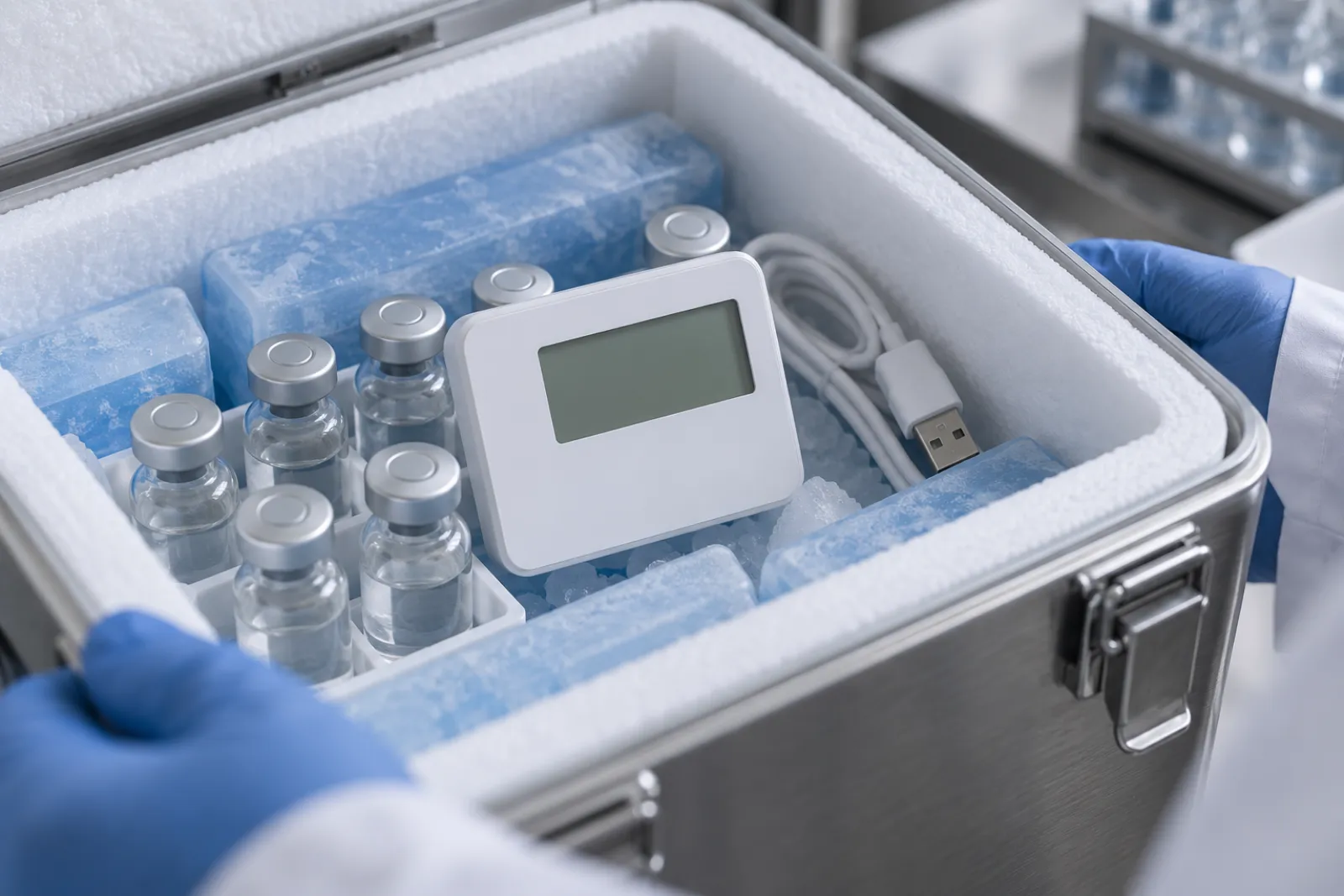
How to Specify a Cold Chain Temperature Data Logger
A specification checklist for a cold chain temperature data logger: range, accuracy, logging interval, export method and calibration documents to request.
Read guide
Real-Time Tracking or Downloadable Loggers: Which Workflow Fits?
Compare real-time and downloadable temperature monitoring by when data arrives, alarm response, network dependence and cost structure, lane by lane.
Read guide
What a Temperature Sensor Calibration Certificate Should Tell You
Check a temperature sensor calibration certificate for device identity, range, dates, reference traceability and results before you accept a logger.
Read guide